



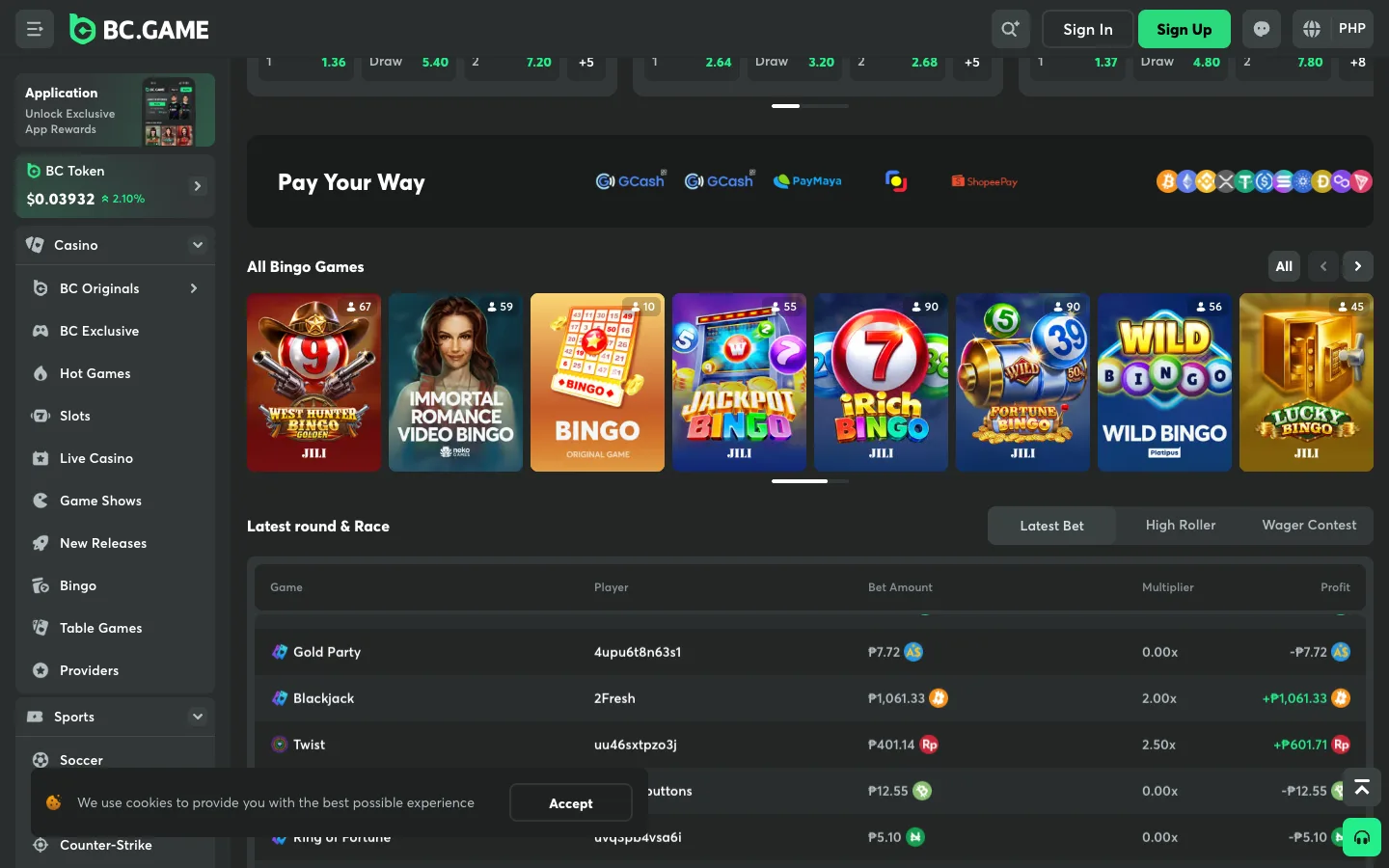
Yes, BC.Game takes USDT, and it’s the fastest way in and out of the casino. Our cashier record for the Philippine edition lists Tether (USDT) on the crypto rail with BTC, ETH and USDC, for deposits and withdrawals, with payouts processed instantly on BC.Game’s side. The deposit screen gives you a TRON (TRC-20) address, which is the network GCrypto sells USDT on, so GCash money reaches BC.Game in a few taps. Minimums and limits show after login, and the up-to-500% welcome from ₱200 counts USDT deposits too. For the scores and full test, read our BC.Game review; for sign-up and login fixes, the BC.Game login guide.
What the BC.Game cashier shows for USDT
| Check | What we found |
|---|---|
| USDT deposits | Yes: Wallet → Deposit → USDT |
| USDT withdrawals | Yes, processed instantly on BC.Game’s side |
| Network | TRON (TRC-20) on the deposit screen; other networks listed, and the address only works on the one you pick |
| Minimum deposit | Set per coin in the cashier, not published before login |
| Withdrawal limits | Not published before login |
| Fees | Network fee; BC.Game’s own crypto fee not stated; VIP Club members pay none |
| Welcome bonus on USDT | Yes: up to 500% over four deposits from ₱200 |
USDT deposit: steps
Most Pinoy players buy their USDT inside GCash. GCrypto needs a Fully Verified GCash account, a verified email and users 18 or older; BC.Game’s sign-up box also says 18+, and our age line for the Philippines is 21+.
- Sign up at BC.Game with an email and password, or one tap with Google, Telegram or Cwallet. There’s no currency field; PH visitors already see PHP.
- In the GCash app, open GInvest → GCrypto and top up your Trading Wallet with the pesos you want to play.
- Buy USDT on Tron (TRC-20). GCrypto lists USDT on more than one network, so pick the Tron version. The minimum order is 1 USDT.
- In BC.Game, open Wallet → Deposit, choose USDT, select the TRON network and copy the address.
- In GCrypto, tap USDT → Send, paste the address, double-check that it says Tron and confirm. Sends over ₱50,000 ask for extra recipient details and an OTP that PDAX, GCrypto’s partner, emails you.
- The USDT appears in your BC.Game wallet once the blockchain confirms, usually within minutes. BC.Game doesn’t publish a fixed credit time.
- Open the Gift Box and claim your bonus stage.
Using Maya’s crypto tab or Coins.ph instead? Same idea: buy USDT, send it on TRC-20 (Coins.ph’s minimum is 20 USDT). No crypto app at all? BC.Game’s Buy Crypto option (MoonPay, Banxa) sits in the cashier. Our USDT casinos page compares the apps.
Durian tip: TRC-20 in GCrypto, TRON in BC.Game: same network, two names. The first time, send the smallest amount both apps allow, wait for it to land, then send the rest. Crypto on the wrong chain can’t be pulled back, and there’s no bank in the middle to call.
USDT withdrawal
Crypto is where BC.Game is quickest. Our cashier record lists USDT payouts as instant on BC.Game’s side; after that the TRON network confirms, usually within minutes.
| USDT withdrawal at BC.Game | |
|---|---|
| Minimum | Per coin, shown in the cashier (not published before login) |
| Maximum / daily limit | Not published before login |
| Processing | Instant on BC.Game’s side, then the blockchain confirms |
| Fee | Network fee; VIP Club members pay none |
| Verification | KYC (a government ID plus a selfie) can be requested before a withdrawal |
| Same method as deposit | Not stated on BC.Game’s public pages |
To land the pesos back in GCash: in GCrypto tap USDT → Receive, choose Tron (TRC-20) and copy your address; in BC.Game open Wallet → Withdraw, pick USDT on TRON, paste it and confirm; when it arrives, Sell the USDT for pesos in GCrypto and tap Withdraw to move them to your GCash wallet. Compare speeds on our fast payout list.
USDT vs GCash at BC.Game
| USDT on TRON | GCash money in the Fiat tab | |
|---|---|---|
| How it goes in | Buy USDT in GCrypto, send to your BC.Game TRON address | Pay a pop-up payment page or manual transfer from the GCash app |
| Available | Every day | Depends on the peso methods live in the Fiat tab after login |
| One-tap GCash link | Not needed | None anywhere since BSP Memorandum M-2025-029 (links dark since 16 August 2025) |
| Cash-out | USDT back to GCrypto, instant on BC.Game’s side | Through BC.Game’s fiat channels to your bank, 5 minutes to 72 hours, then bank to GCash |
| Fees | Network fee | Depends on the payment gateway; VIP Club pays none |
| Welcome bonus | Yes, from ₱200 | Yes, from ₱200 |
Want the peso-cashier steps in detail? Read the BC.Game GCash guide, or compare brands on our GCash casinos page.
Watch-outs
- Wrong network = lost funds. TRON on both sides, and a small test send the first time.
- Verify before you cash out. BC.Game can ask for KYC before a withdrawal, and its complaints cluster around unverified accounts.
- Minimums, limits and fiat fees show only after login. Open the cashier before a big win, not after.
Our verdict
BC.Game earns 4/5 durians (Premium) on our Philippine list, and USDT is the way to use it: instant crypto payouts, a TRON address that matches what GCrypto sells, and the only welcome offer among our USDT casinos that pays out as real cash while you play, from ₱200. It suits Pinoy players who want JILI slots, live baccarat and sports in one account without waiting on a bank. Start small: send ₱200 worth of USDT, claim stage one, do KYC, then withdraw a few USDT to see the speed yourself. Compare every PH casino that takes Tether on our USDT casinos page and the crypto casino list, or every rail on our payments page. Safety check first? Read is BC.Game legit.
21+ only. Set a budget before you buy any USDT, cash out your panalo while you’re ahead, and if it stops being fun, our responsible gambling page has free help.